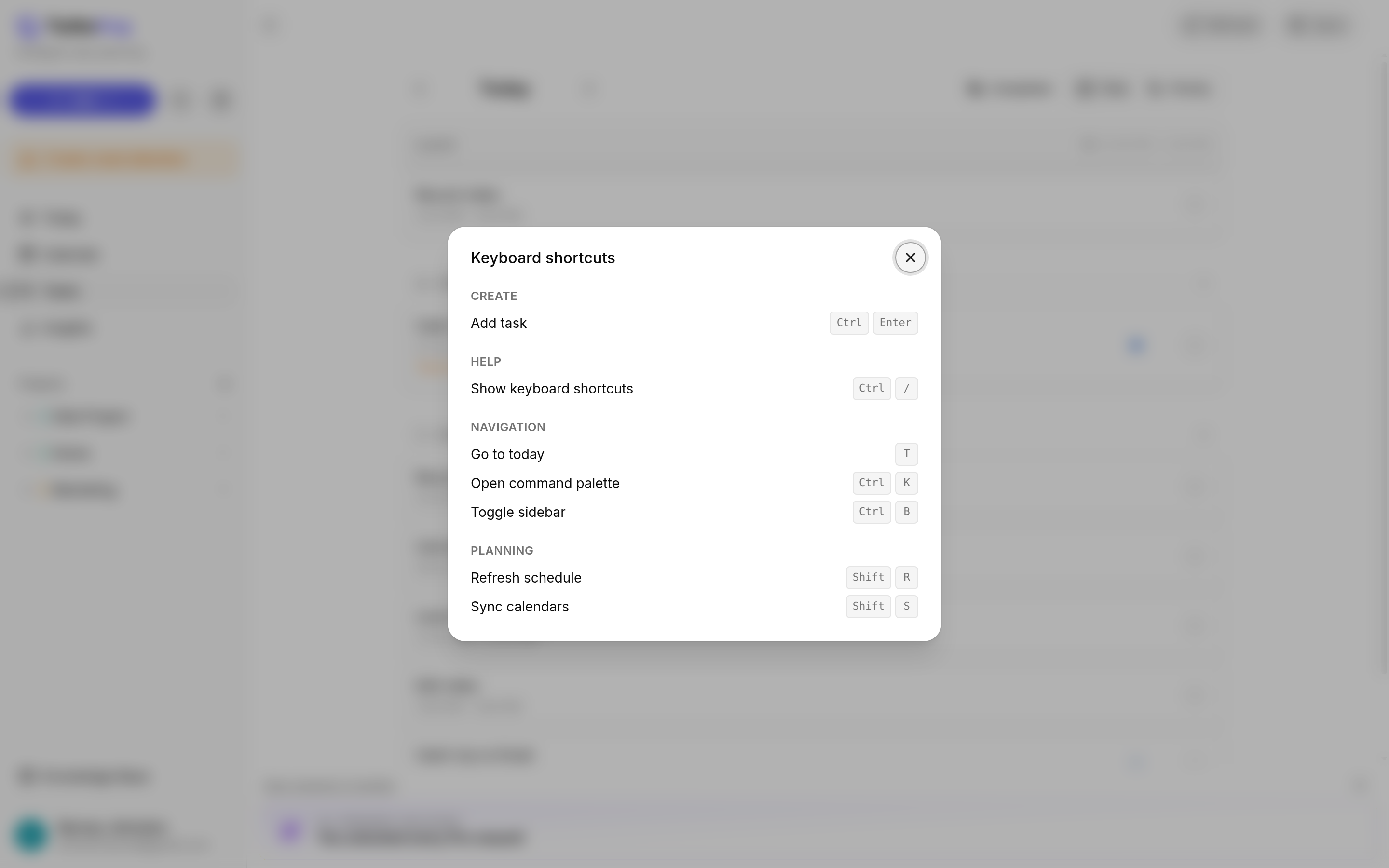
Press Ctrl + / (Cmd + / on a Mac) to open the "Keyboard shortcuts" window. It lists the main shortcuts, grouped under Create, Help, Navigation, and Planning.
Shortcut | What it does |
Cmd + Return | Add task: opens the form to add a new task |
Cmd + / | Show keyboard shortcuts |
T | Go to today: on the Calendar, jumps back to the current day |
Cmd + K | Open command palette ("Search tasks and projects…") |
Cmd + B | Toggle sidebar: shows or hides the sidebar |
Shift + R | Refresh schedule: re-plans your day |
Shift + S | Sync calendars |
Cmd + S | Saves the open form: "Create Task", "Update Task", "Create Event", "Update Event", or "Save" on a booking page panel |
Escape | Closes the open form without saving. On the event form, TurboHog first asks whether to discard any unsaved changes |
Shortcut | What it does |
Ctrl + Enter | Add task: opens the form to add a new task |
Ctrl + / | Show keyboard shortcuts |
T | Go to today: on the Calendar, jumps back to the current day |
Ctrl + K | Open command palette ("Search tasks and projects…") |
Ctrl + B | Toggle sidebar: shows or hides the sidebar |
Shift + R | Refresh schedule: re-plans your day |
Shift + S | Sync calendars |
Ctrl + S | Saves the open form: "Create Task", "Update Task", "Create Event", "Update Event", or "Save" on a booking page panel |
Escape | Closes the open form without saving. On the event form, TurboHog first asks whether to discard any unsaved changes |
The last two rows are not in the "Keyboard shortcuts" window. They show on the form's buttons instead.
Shift + R works the same as the "Refresh" button and shows "Schedule refreshed". Shift + S works the same as the "Sync" button and shows "Calendar synced". Learn more in Refresh and Sync.
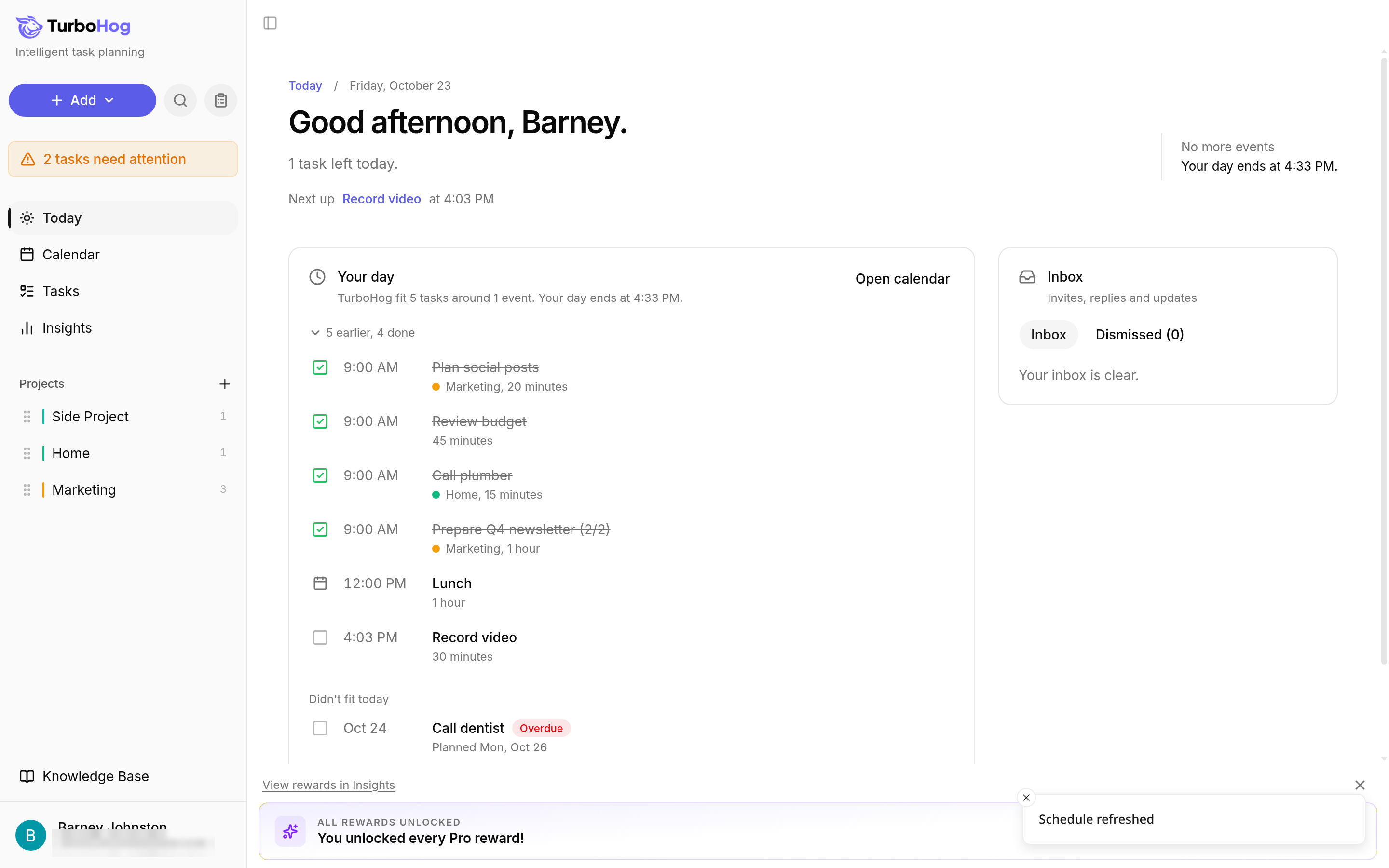
Press Ctrl + K (Cmd + K on a Mac) to open the command palette, which searches your tasks and projects. Type a word to find a task or project, use the arrow keys to move through the list, press Enter to open a result, and press Escape to close search. Clicking the magnifying glass icon next to "+ Add" opens the same search. Learn more in Searching Your Tasks.
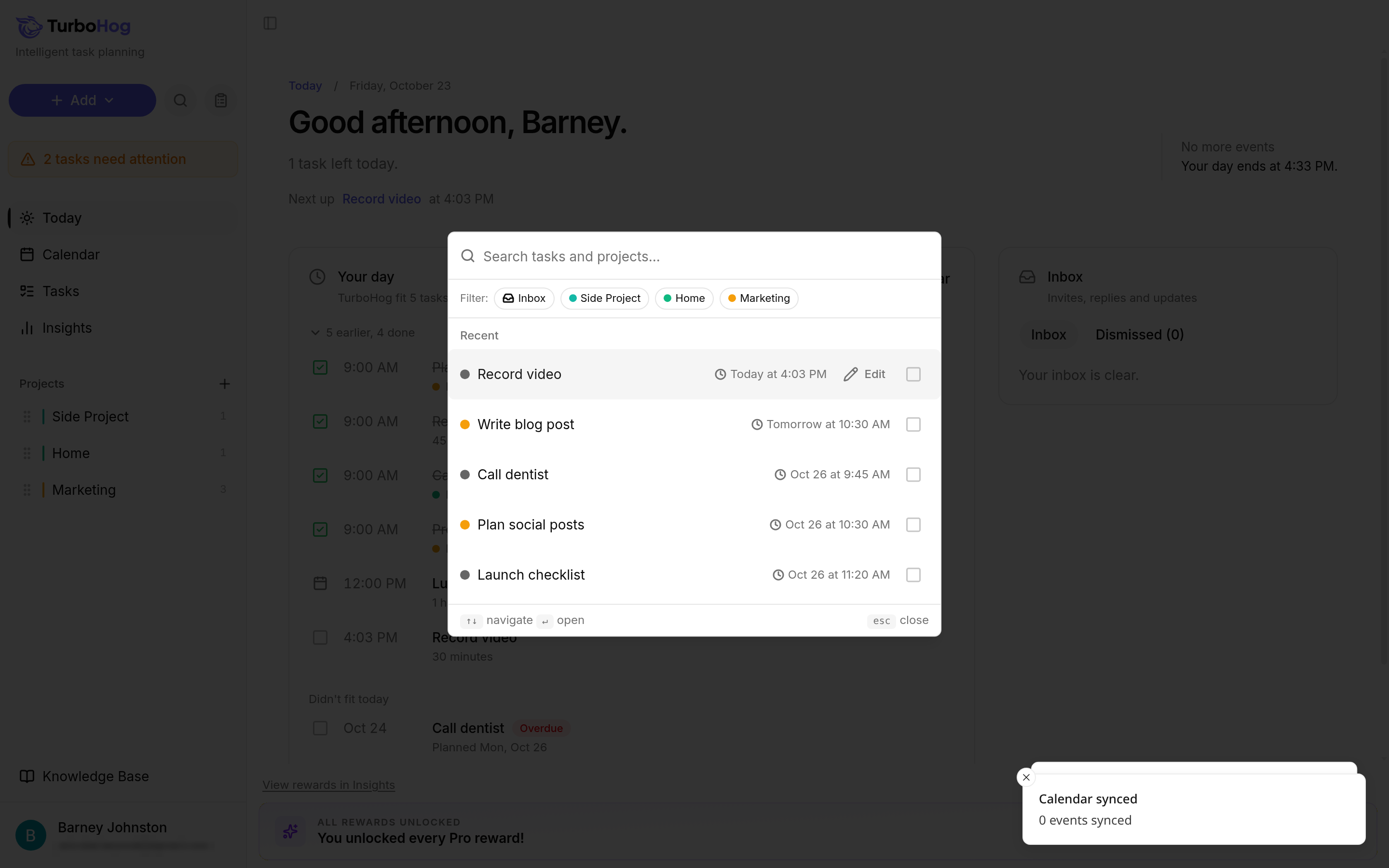
The task and event forms show their shortcuts on their buttons, so you can always check them there. For example, "Create Task" and "Create Event" show "Ctrl S", and "Cancel" shows "Esc".
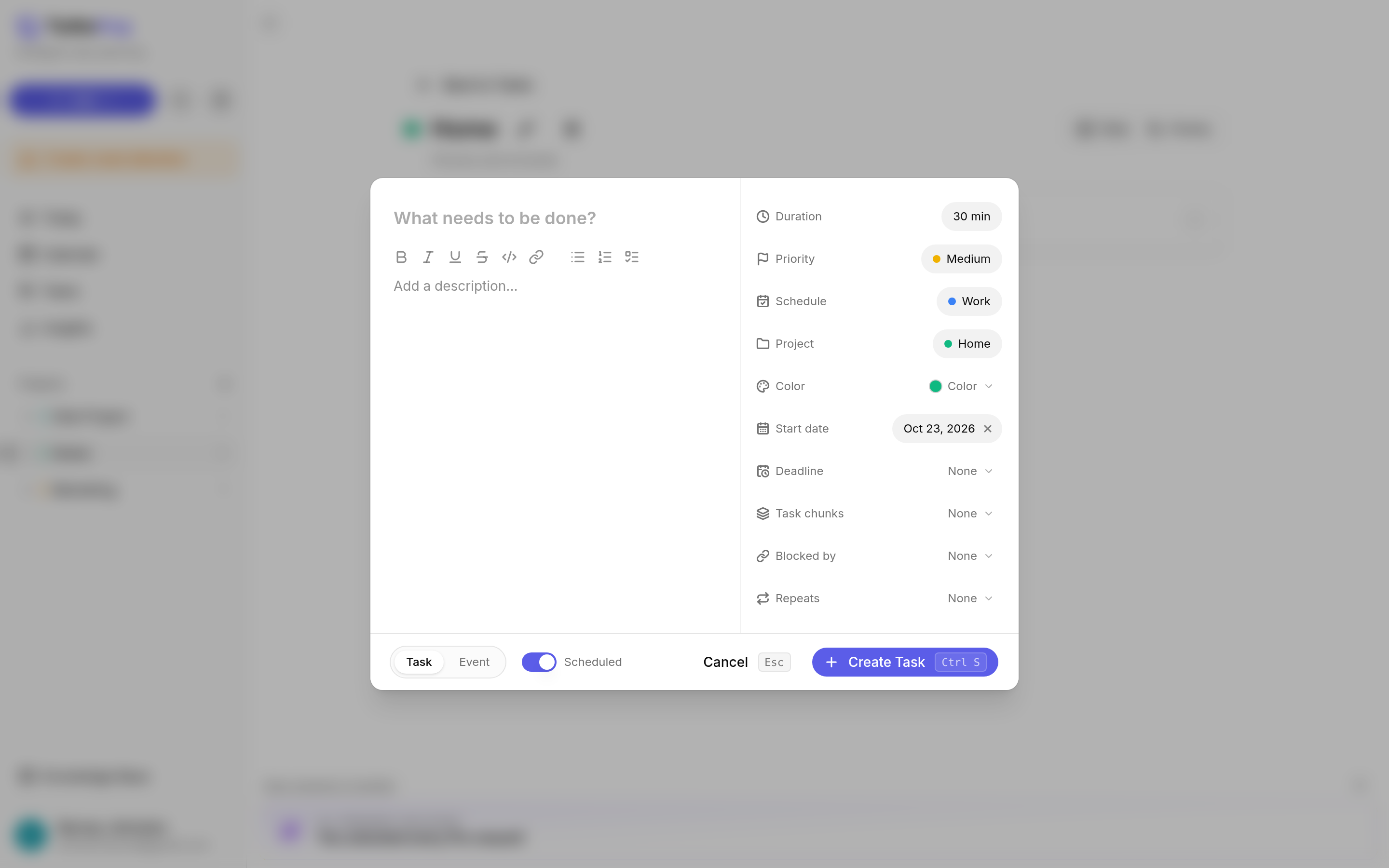
After you press Ctrl + Enter (Cmd + Return on a Mac), you can type the whole task in one line, then press Ctrl + S (Cmd + S) to save it without touching your mouse.
Example: Write blog post 2h Friday start Wednesday #Marketing
TurboHog recognizes:
Learn every option in Natural Language Detection.
To see where each view lives, read Navigating TurboHog.