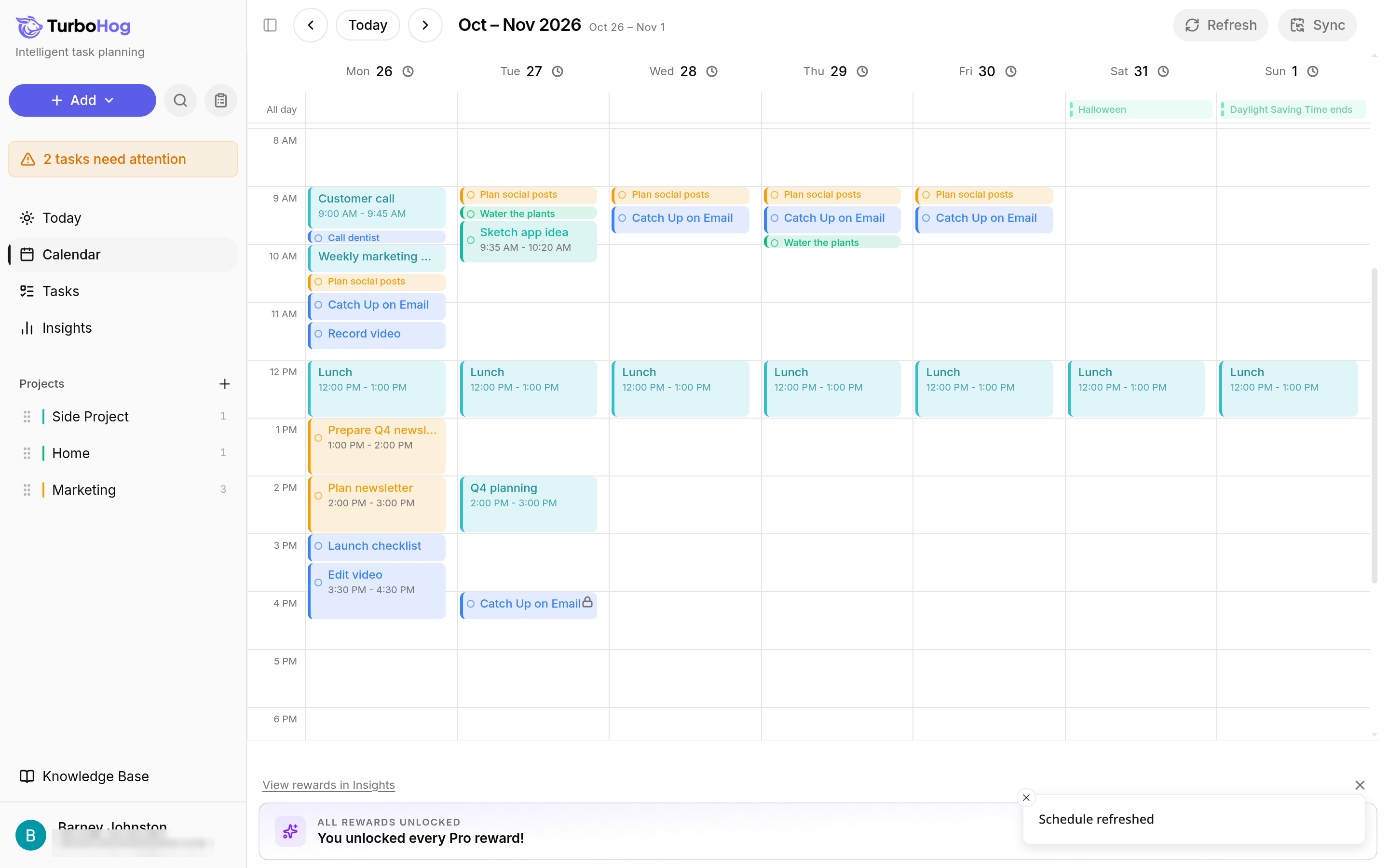
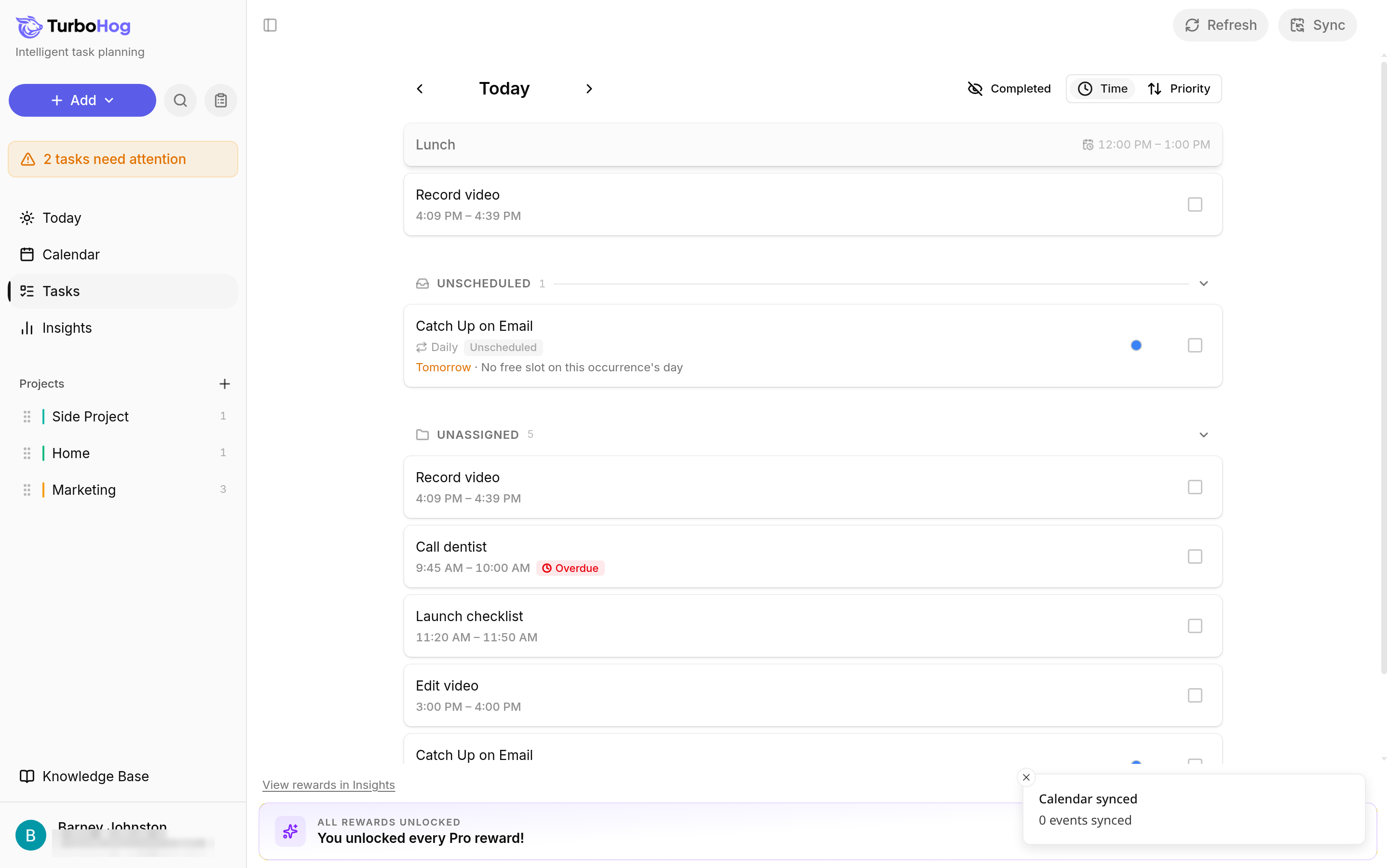
"Refresh" and "Sync" are at the top right of the Calendar and the Tasks page. The keyboard shortcuts, Shift + R and Shift + S, also work on the Today page. On a phone, they are icon buttons in their own row under the date. On a tablet or computer, they sit in the top row of the page.
Click "Refresh", or press Shift + R, to re-plan your tasks now. TurboHog shows "Schedule refreshed". Use it after a big change, such as a meeting that ran long.
Click "Sync", or press Shift + S, to pull the latest events from your connected Google Calendar and Outlook accounts now. TurboHog shows "Calendar synced" and how many events it synced. Calendars already sync instantly both ways, so you rarely need this.
To learn how TurboHog plans your day, read How Auto-Scheduling Works. For more shortcuts, read Keyboard Shortcuts.