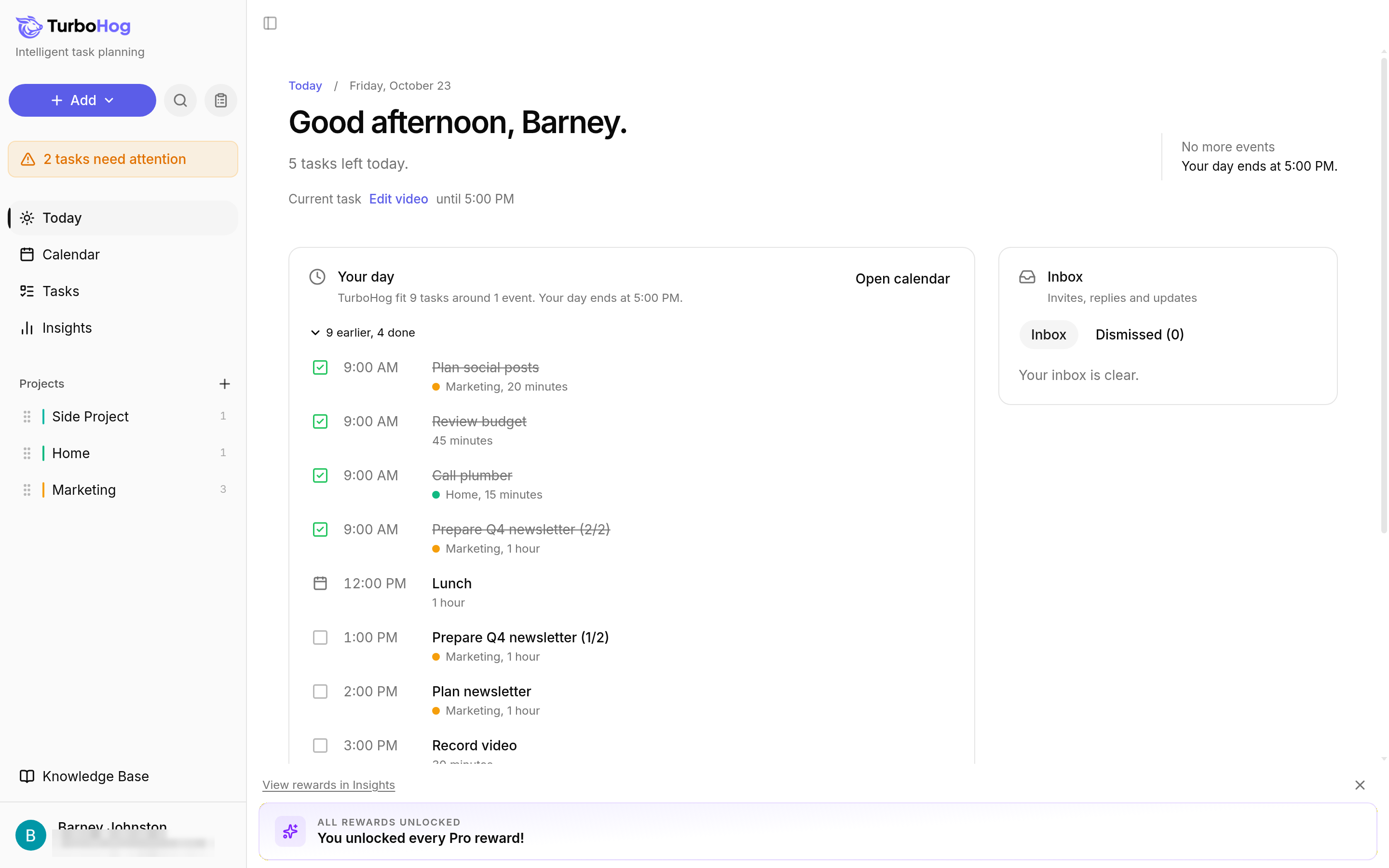
Today: check the box next to the task in "Your day".
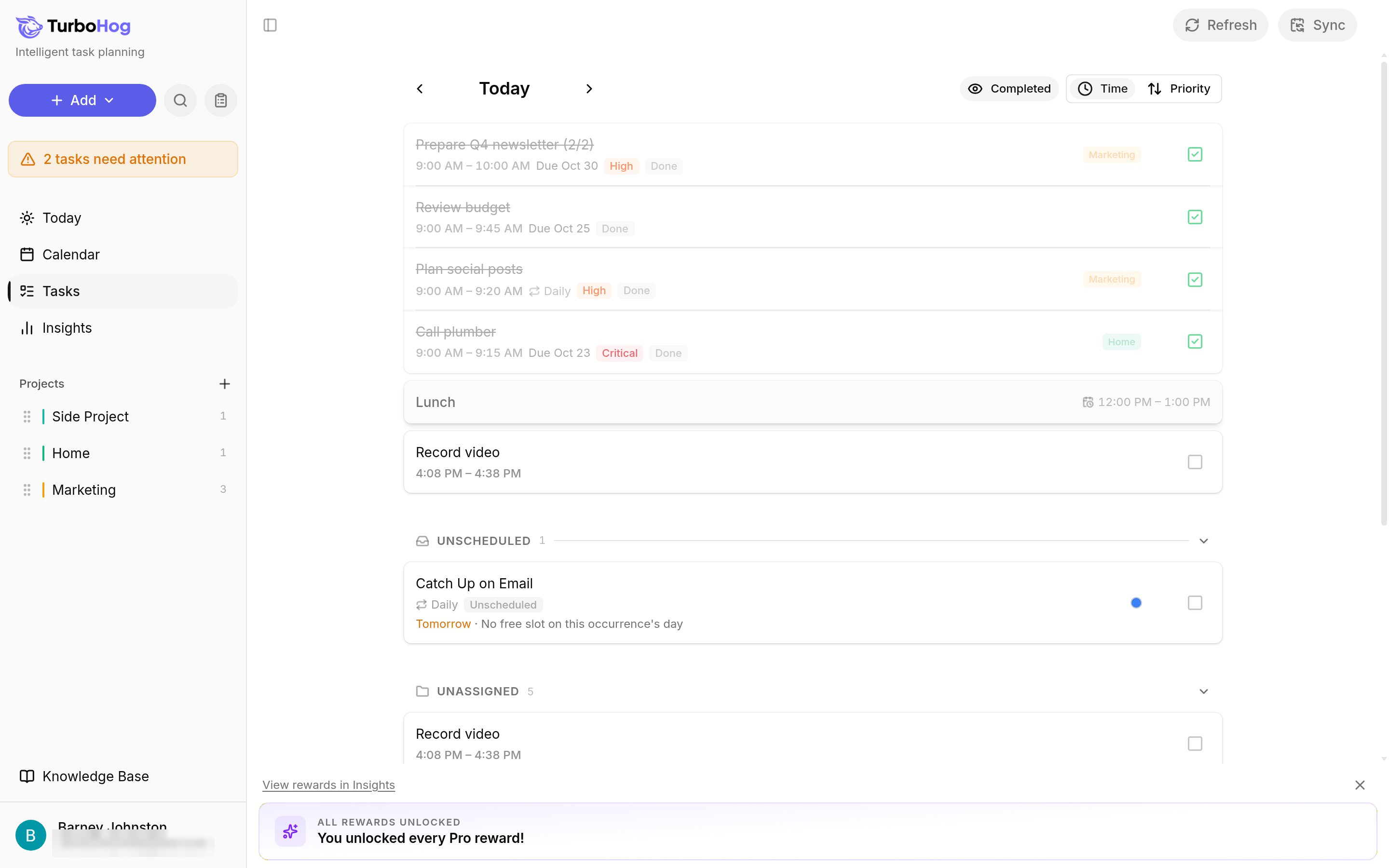
Tasks page: check the box at the right of the task's row.
Edit window: open the task and click "Complete".
Search: press Ctrl + K (Cmd + K on a Mac), type part of the task's name, and check the box next to it. Learn more in Searching Your Tasks.
TurboHog shows "Task completed". If sound and confetti are turned on, you hear a chime and see confetti. To change that, read Appearance Settings.
Seeing Completed Tasks
On the Tasks page, click "Completed" at the top right of the list to show the tasks you finished that day. To keep completed tasks on the Calendar, turn on "Completed tasks" in Settings, under "Calendar".
Completing Chunks and Recurring Tasks
Chunks: each chunk is completed on its own. Learn more in Task Chunks.
Recurring tasks: completing one occurrence does not affect the next. Learn more in Recurring Tasks.
To track how many tasks you complete over time, read Insights.