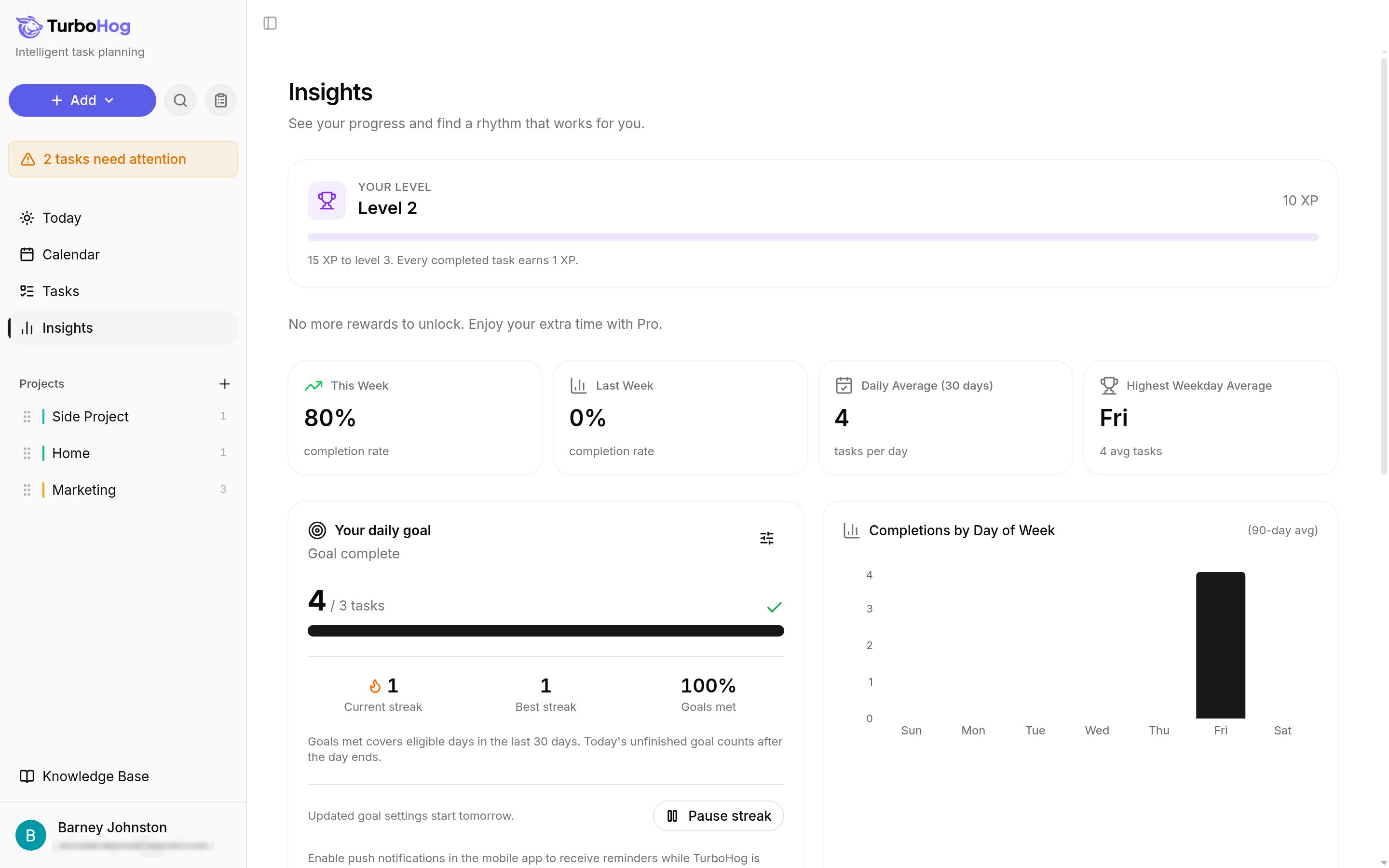
Click "Insights" in the sidebar. From top to bottom, the page shows your level, your rewards, four summary cards, your daily goal, two charts, your work patterns, and a place to share your story.
Four cards sit in a row under your rewards:
The "Your daily goal" card shows how many tasks you want to complete each day and how you are doing today, such as "4 / 3 tasks" and "Goal complete". Under the progress bar, it shows:
To take a break, click "Pause streak". The pause starts today.
If you have not set a goal yet, click "Set a daily goal" on this card. Learn more in Daily Goals and Streaks.
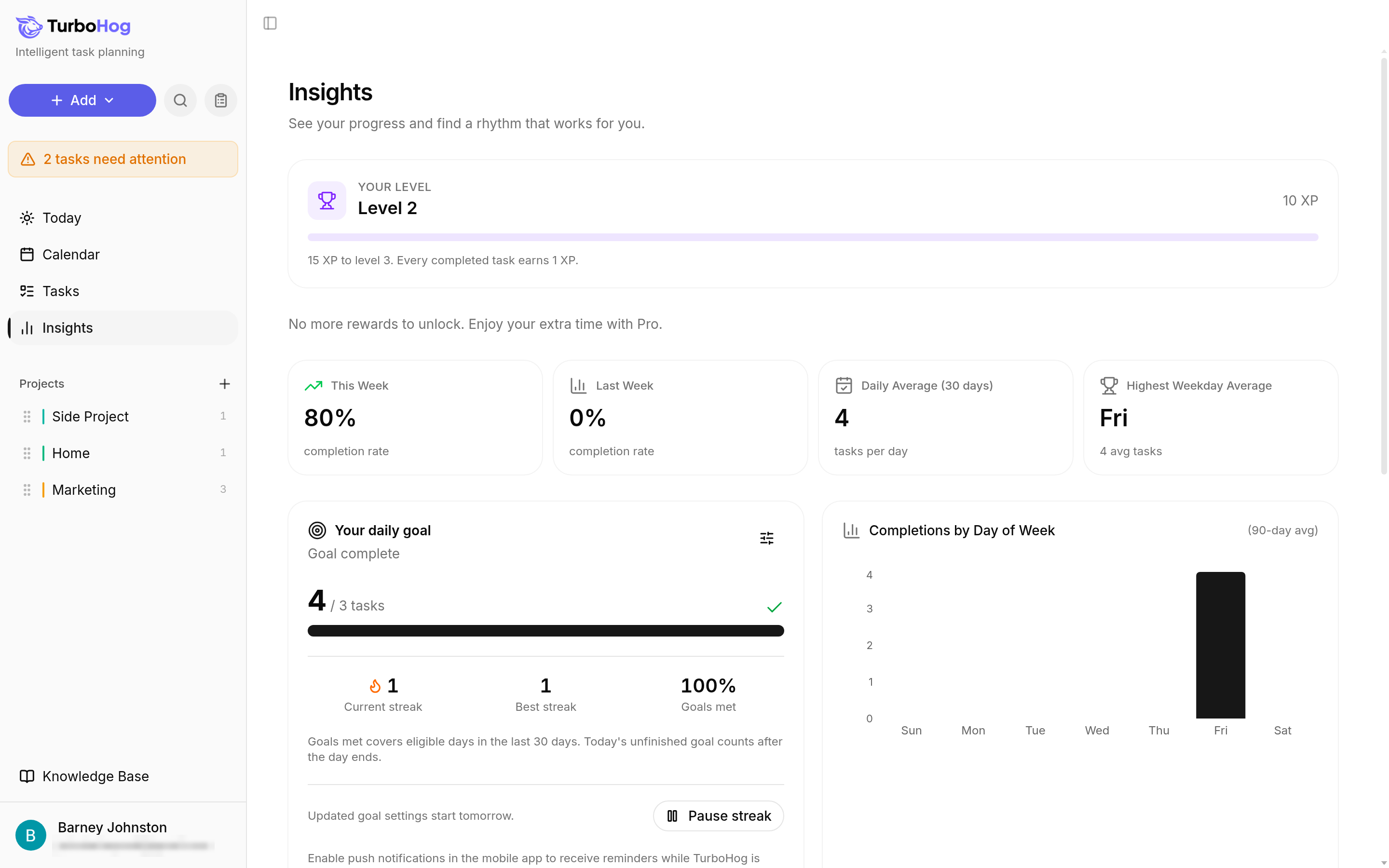
This chart shows how many tasks you complete on each day of the week, averaged over the last 90 days. It helps you see which days work best for you. Until you complete a task, it shows "No completions in the last 90 days".
"Task Completions" shows every day you completed a task over the past year, with darker squares for busier days. Under it, you see:
Any day with a completed task counts, even if you did not meet your daily goal.
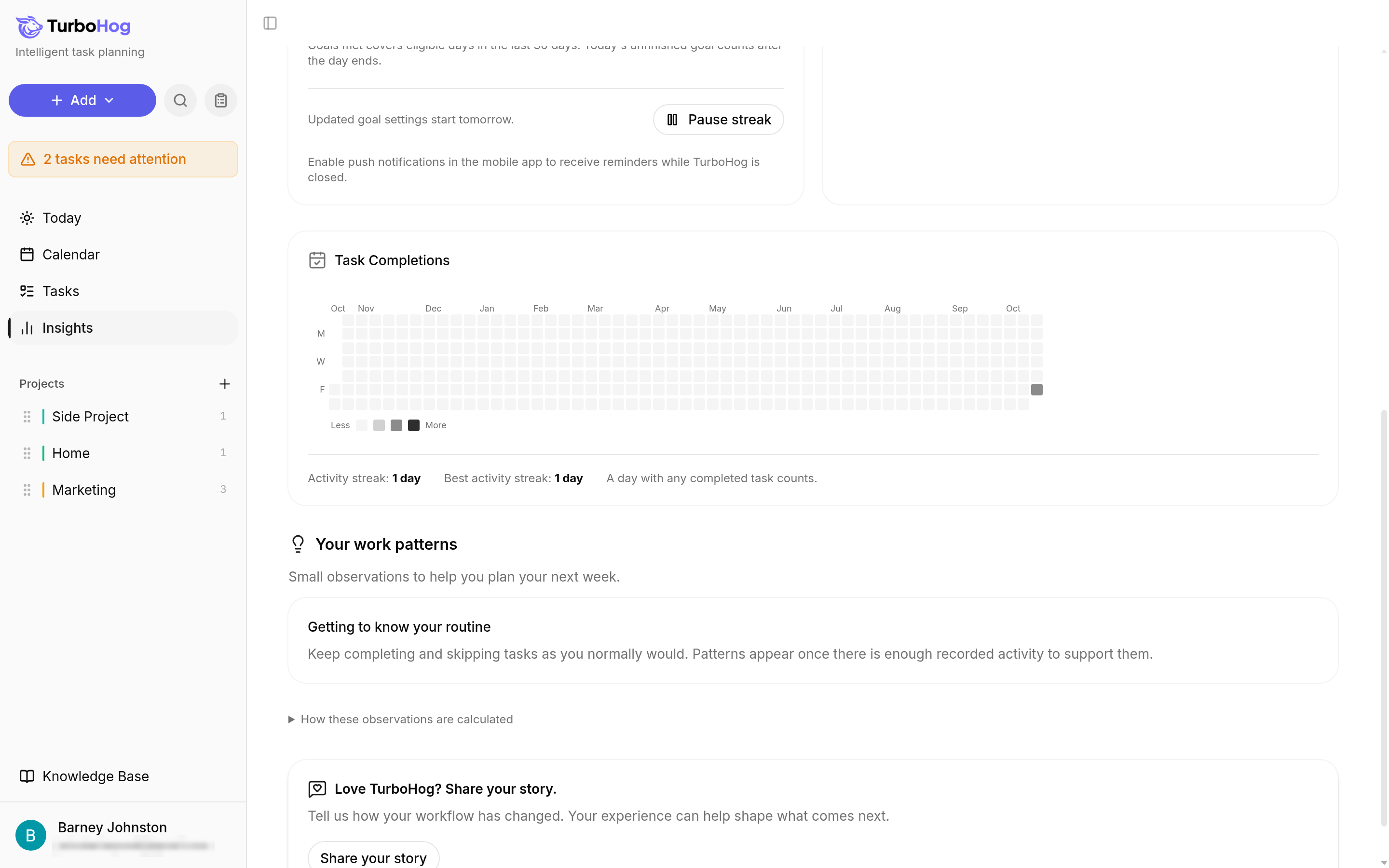
"Your work patterns" shares small observations to help you plan your next week. They are based on the tasks you complete and skip.
When you are new, this section says "Getting to know your routine". Keep completing and skipping tasks as you normally would, and patterns appear once there is enough activity to support them. To see how they are worked out, click "How these observations are calculated".
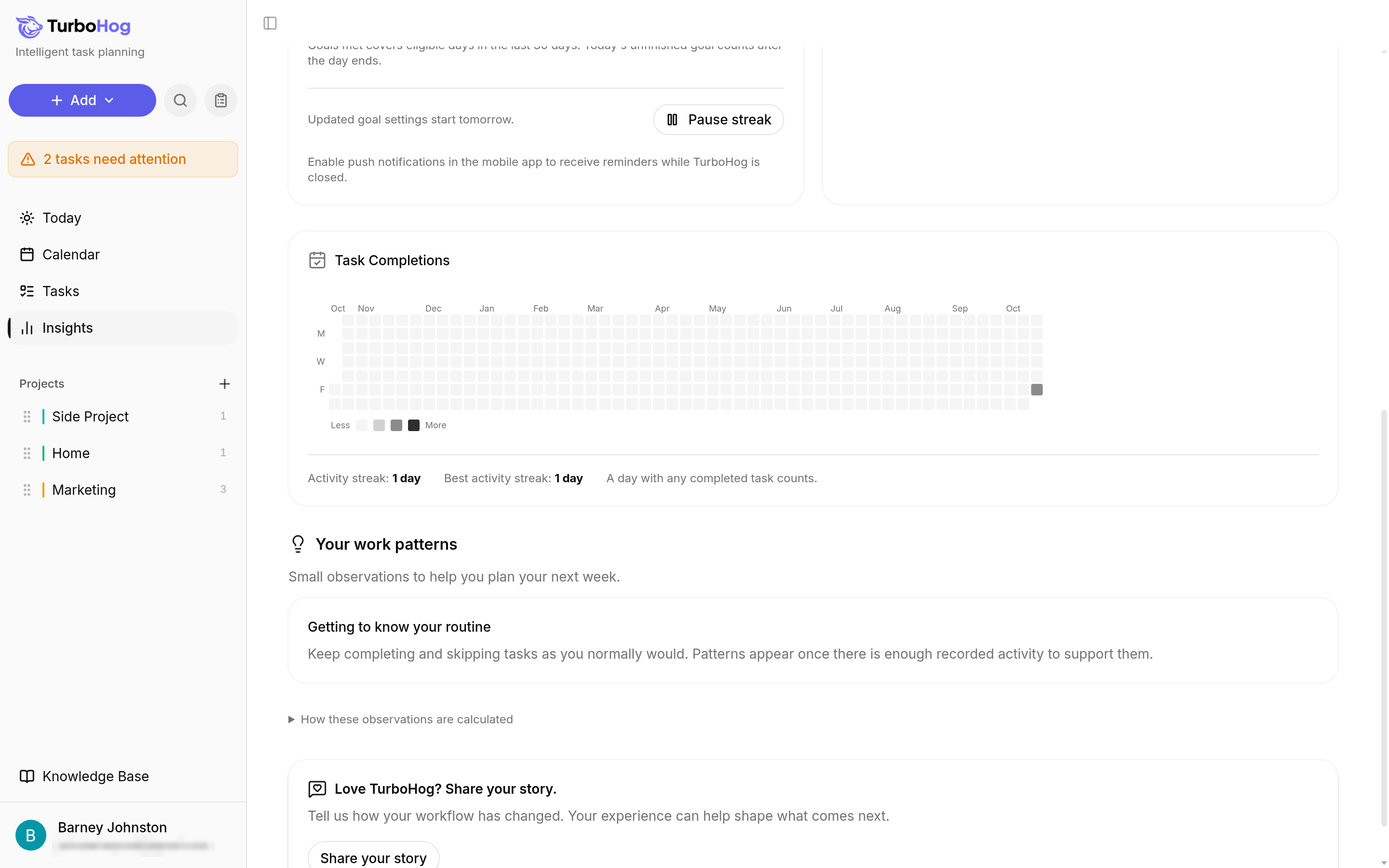
At the bottom of Insights, "Love TurboHog? Share your story." invites you to tell us how your workflow has changed. Click "Share your story" to send us your experience.
To set a goal, read Daily Goals and Streaks, learn how rewards work in Earning XP and Free Days of Pro, and see how TurboHog plans your tasks in How Auto-Scheduling Works.