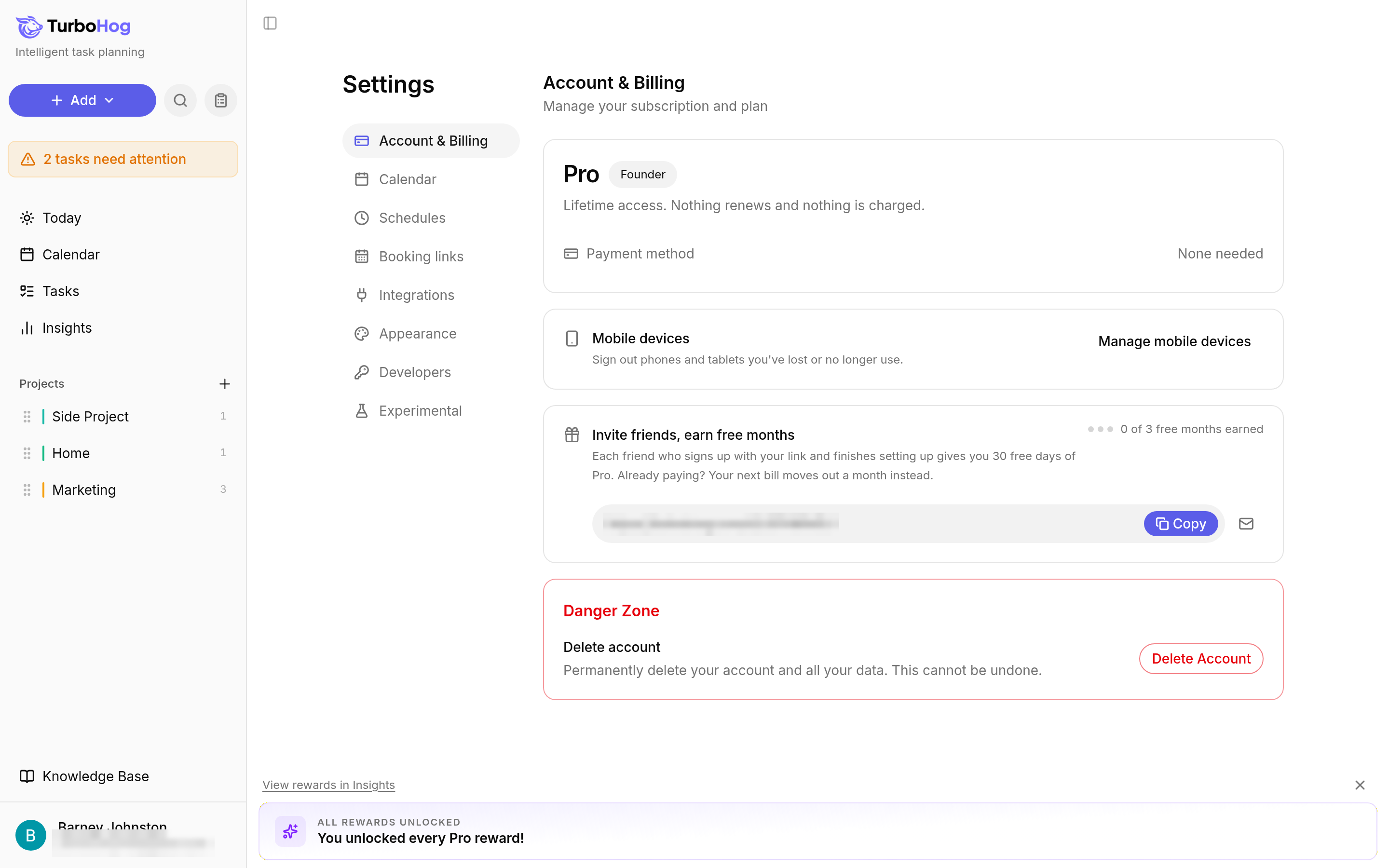
If you have a paid plan, cancel your subscription before you delete your account, or contact support. If you only want to stop paying but keep your account, canceling is enough. Learn more in Billing.
If you show tasks on your calendar, deleting your account removes the task events TurboHog can reach. Google Calendar task events are removed while your account is being deleted (this can take longer when you have many task events). Outlook task events are removed in the background before your account is fully deleted. Events TurboHog cannot reach stay on the calendar. To remove them yourself first, open Settings, click the "Calendar" tab, set "Tasks as calendar events" to "Off", and wait until they are gone. Learn more in Show Tasks on Your Calendar.
Deleting Your Account
Click your name at the bottom left of the sidebar.
Select "Settings". The "Account & Billing" tab opens.
Scroll to "Danger Zone" and click "Delete Account".