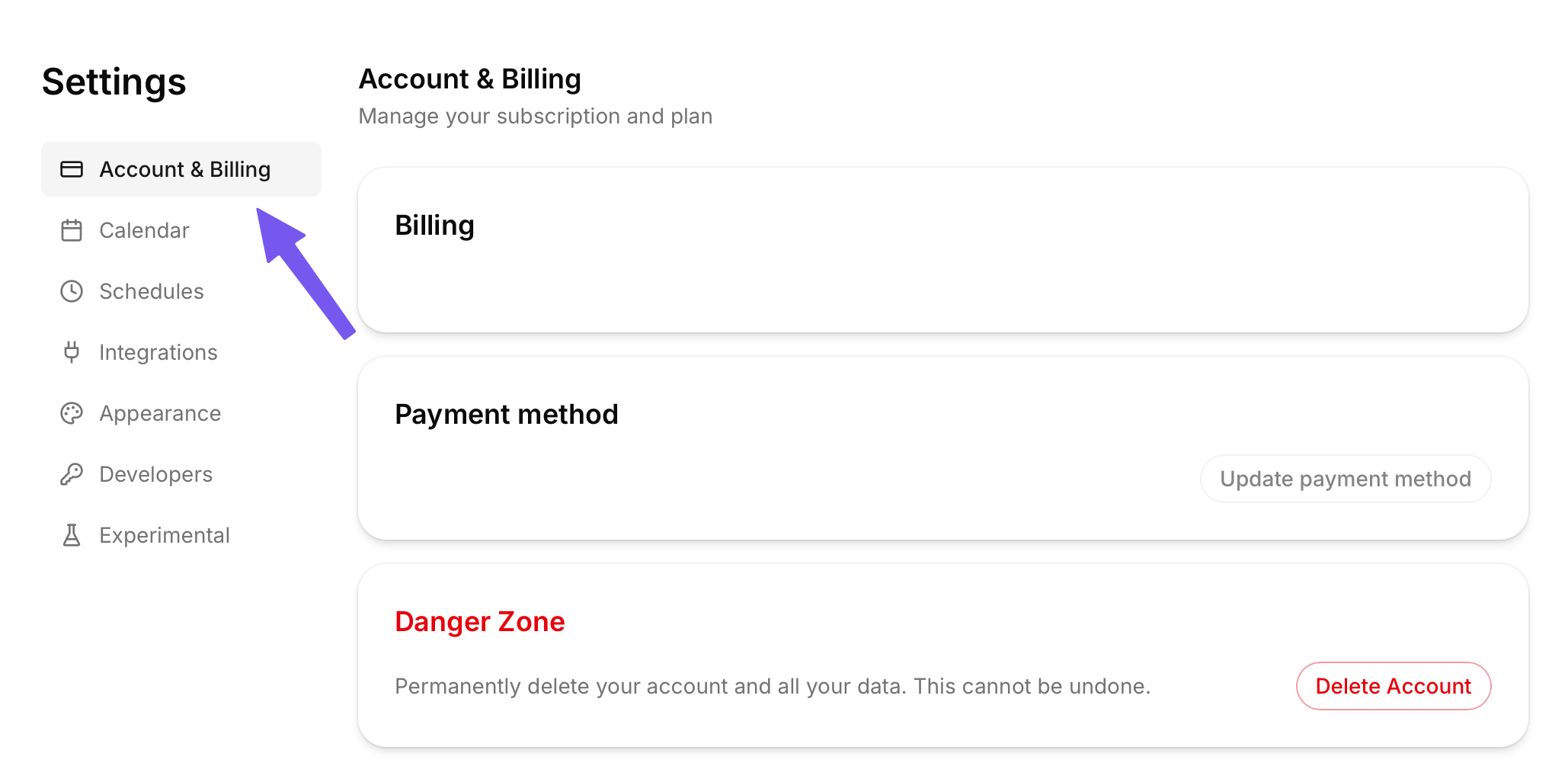
All billing details can be edited from the settings page.
To access settings, click on your name/email in the bottom left of the app. Then, select the “Account & Billing” tab.
You can switch from monthly to annual billing at any time to get a discount.
Start by navigating to the Account & Billing tab within settings.
Then, click the “Upgrade to Yearly” option. You will go through the process to confirm, and your account will be upgraded. '
To change your payment method, go to settings and then the “Account & Billing” tab.
On this page, you will see a “Payment method” card. Click the “Update payment method” button to be taken to where you can update your billing details.
We’re sad to see you go, but you can cancel TurboHog anytime.
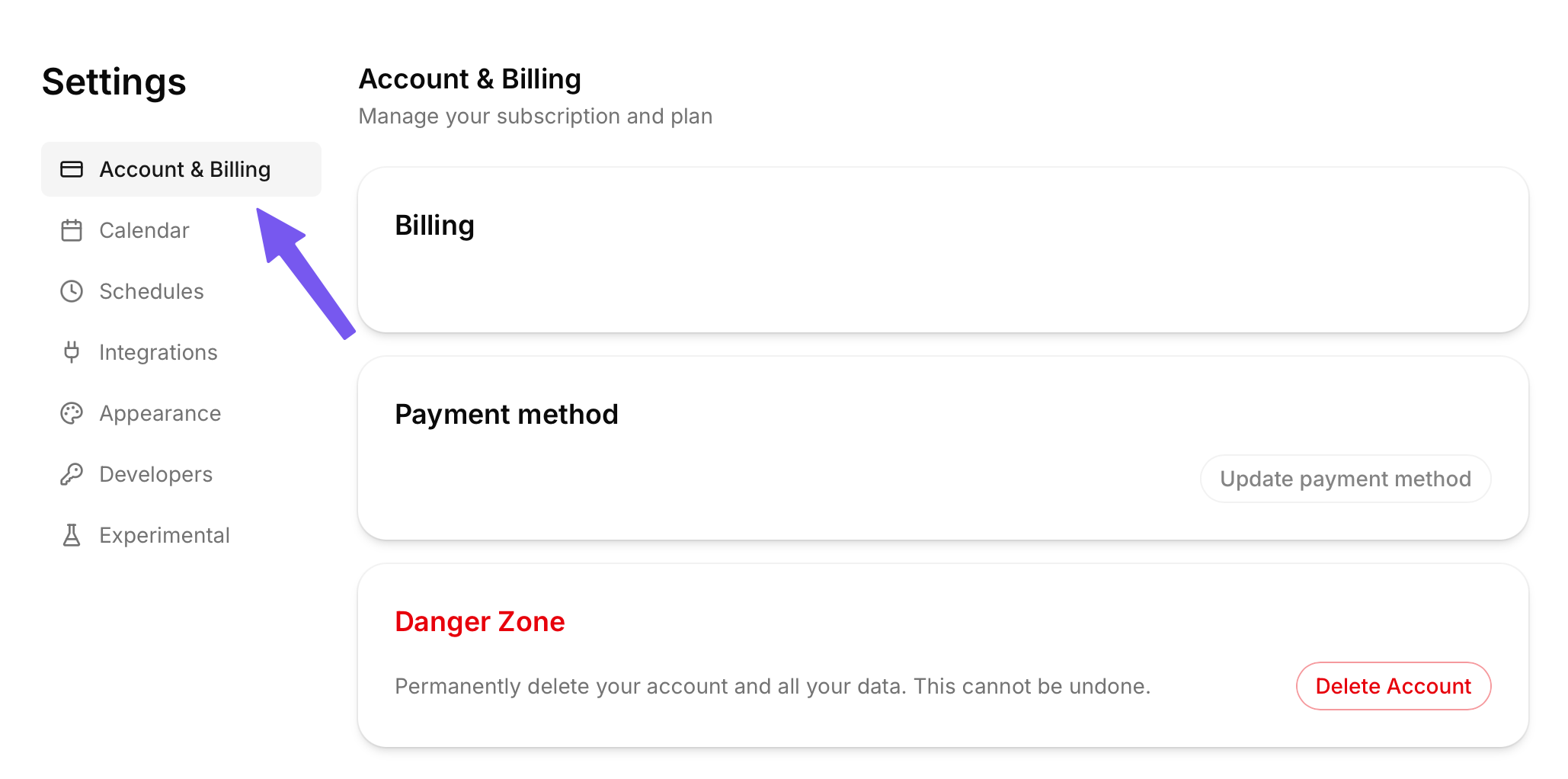
This can be done from the Account & Billing tab by selecting the “Cancel” button. You will then be asked to confirm, and your subscription will be canceled. You can access the app until the end of your current billing period.