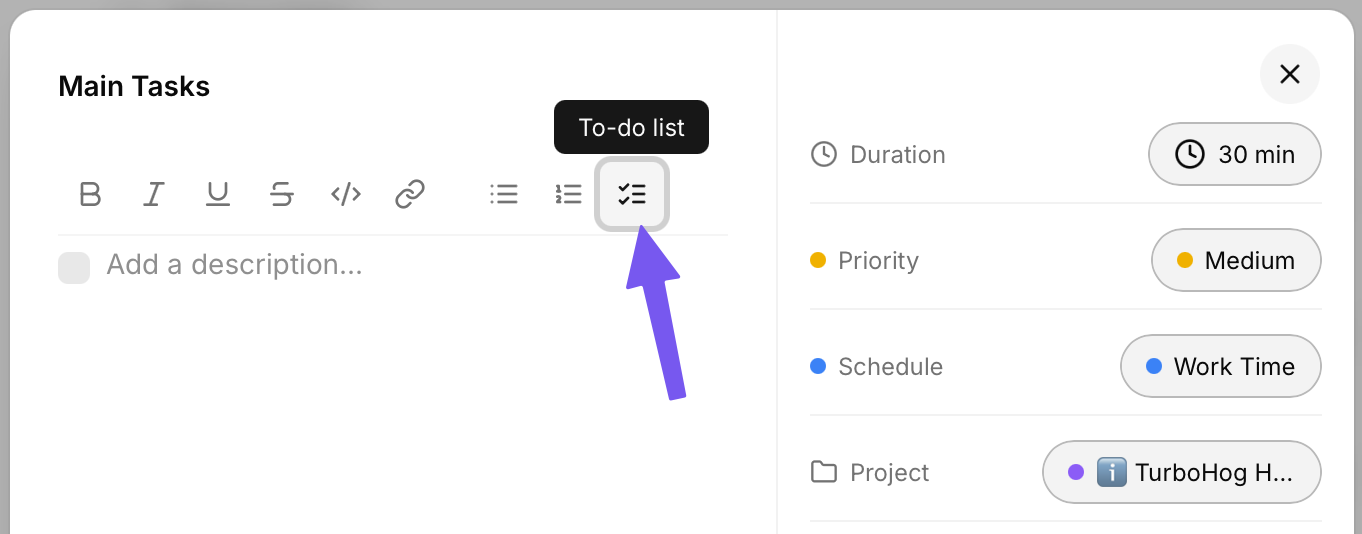
When creating or editing a task, you will see a “Add a description...” section.
This area has full rich-text support, including the ability to add to-do lists.
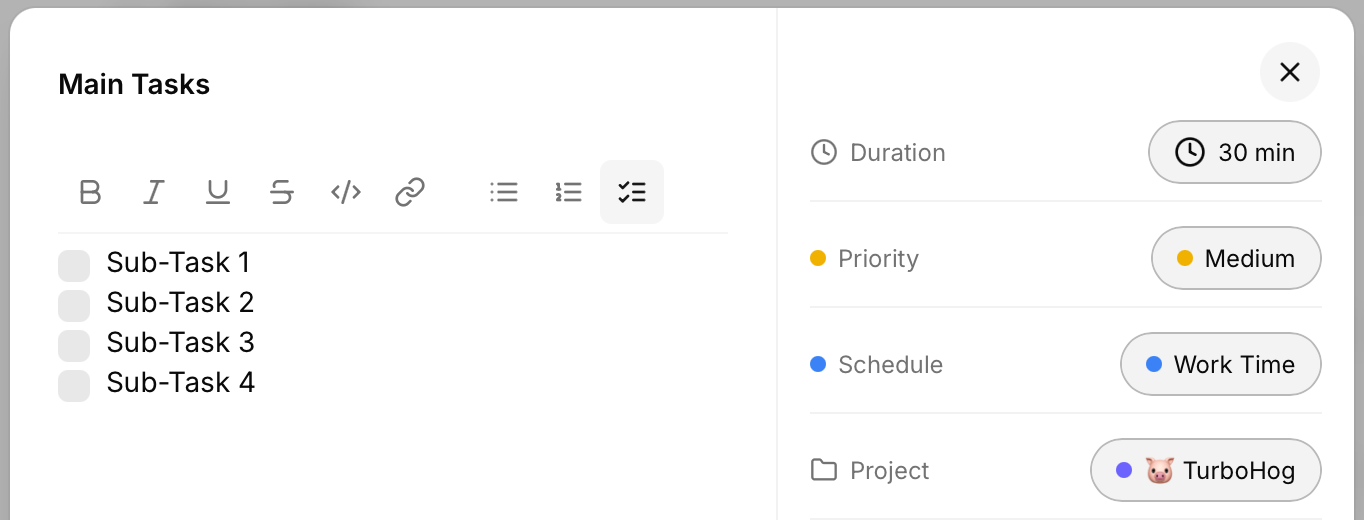
By clicking the “To-do list” button, you will be given a checkable list that you can add items to and check-off as each task is completed.
Sub-tasks are not auto-scheduled. Just the main task is scheduled automatically on your calendar. However, if a task has multiple, little parts, sub-tasks are the perfect way to keep track of what has and hasn't been completed.
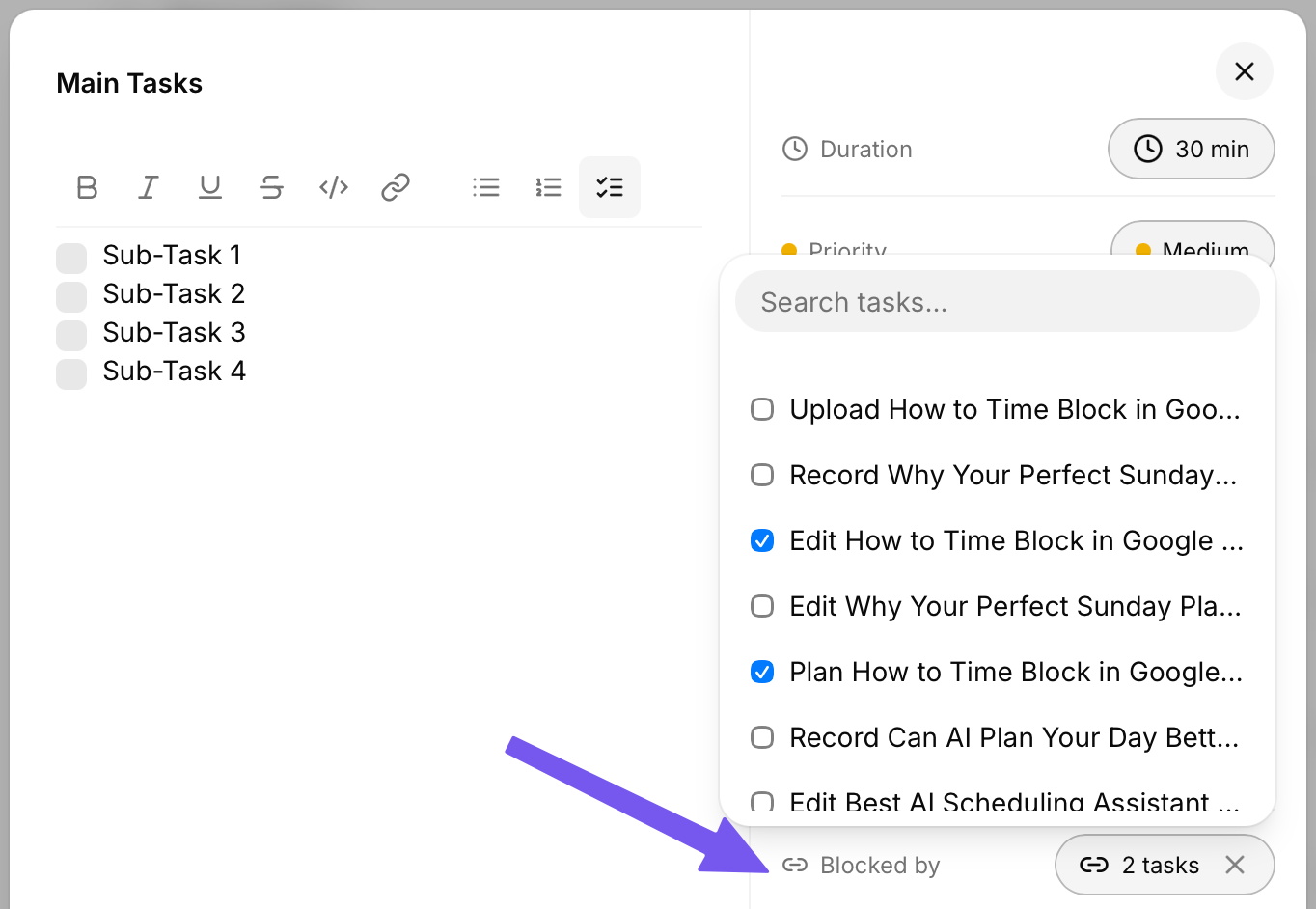
If you have a task that is actually multiple, smaller tasks, blockers can be a great way to make sure each part is scheduled seperately while making sure things are completed in the correct order.
For example, the task “Create a Video for Social” could be broken-down into multiple subtasks. Such as:
Each of these cannot be completed until the previous is completed. Blockers allow this. The “Record Video” task would be blocked by the “Script Video” task, and the “Upload Video” task would be blocked by the “Edit Video” task, etc.
Using this, tasks will be scheduled in the correct order.