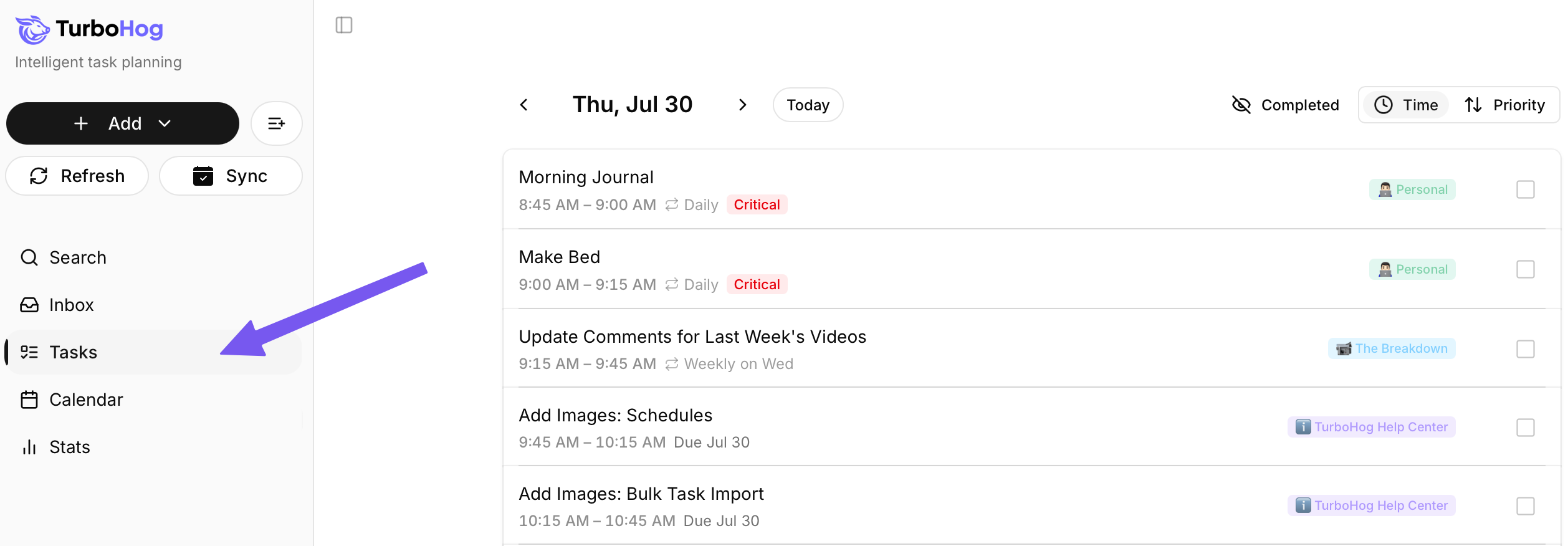
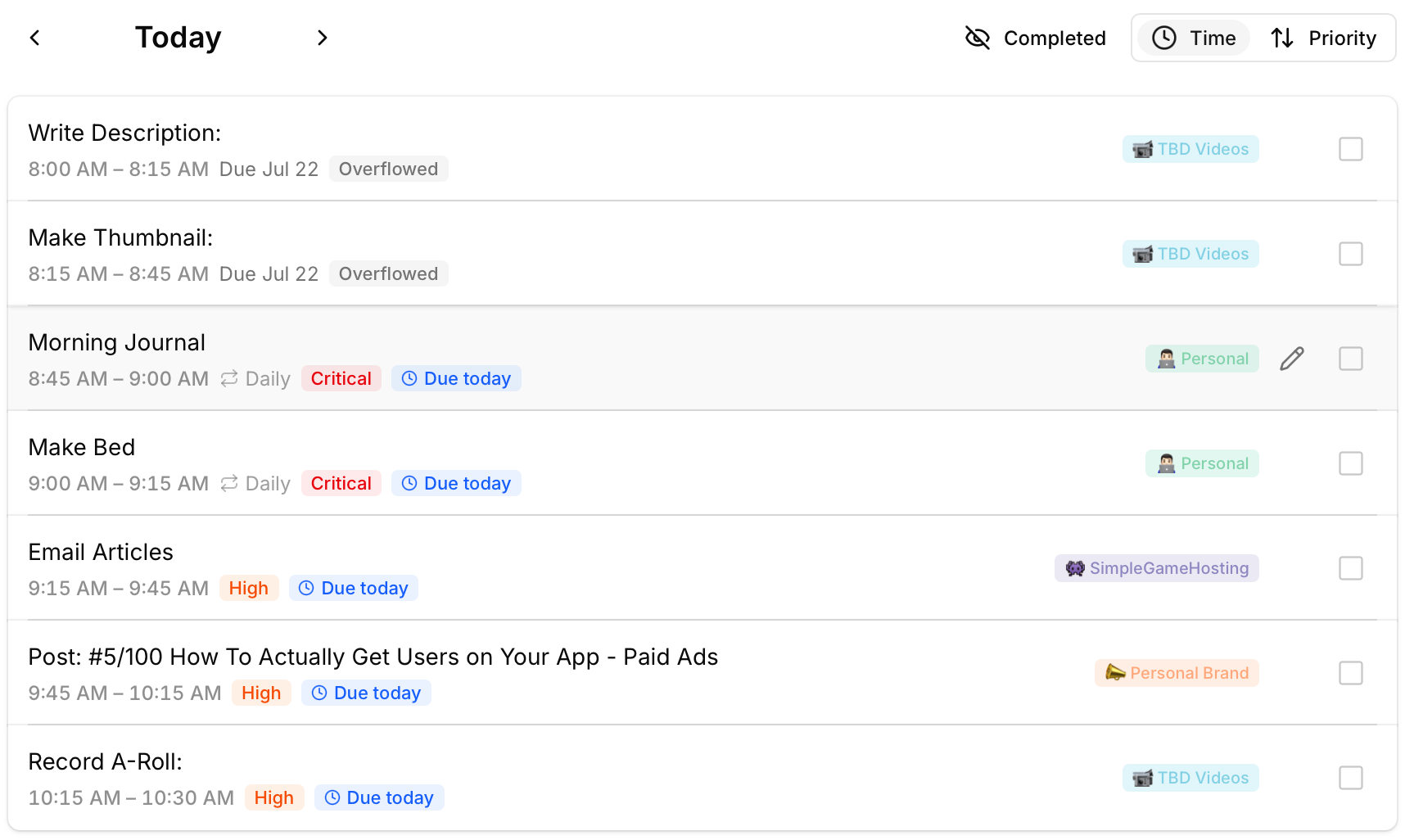
On the Tasks page, you will be able to see your agenda for the day. This is a real-time view of tasks, events, and meetings for the day.
As your day progresses, the Tasks page adapts. If a meeting is added, a task is missed, or runs over, the page updates automatically to ensure you are always working on what needs to be done.
There are two primary views in TurboHog - Tasks and Calendar. If you prefer to just see one day at a time, the Tasks page view is for you.
The next task is always at the top, and events will appear perfectly in line as well. The “Now” indicator shows you where you are in your day and helps you stay focused.
You can also sort this page by priority. Doing this moves your events to the bottom with today’s scheduled tasks, sorted by priority. Generally, the scheduler keeps this in mind on the default “Time” view, but we like to give options for sorting when possible.
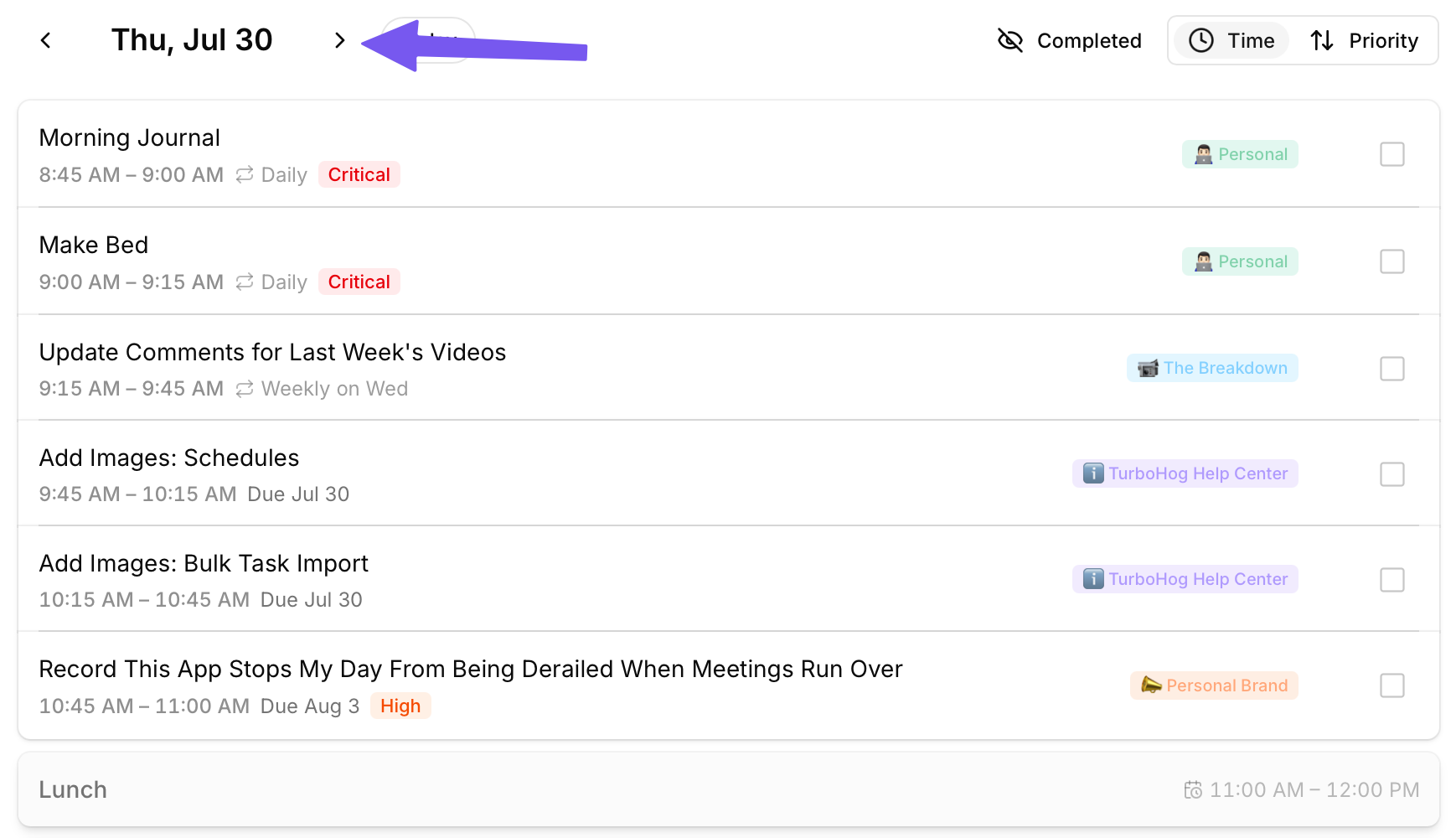
You use the arrows next to the date at the top of the page to navigate to future or previous days. This is good if you want to quickly look ahead or if you are scheduling a meeting and want to make sure your day is free without a ton of important tasks scheduled.
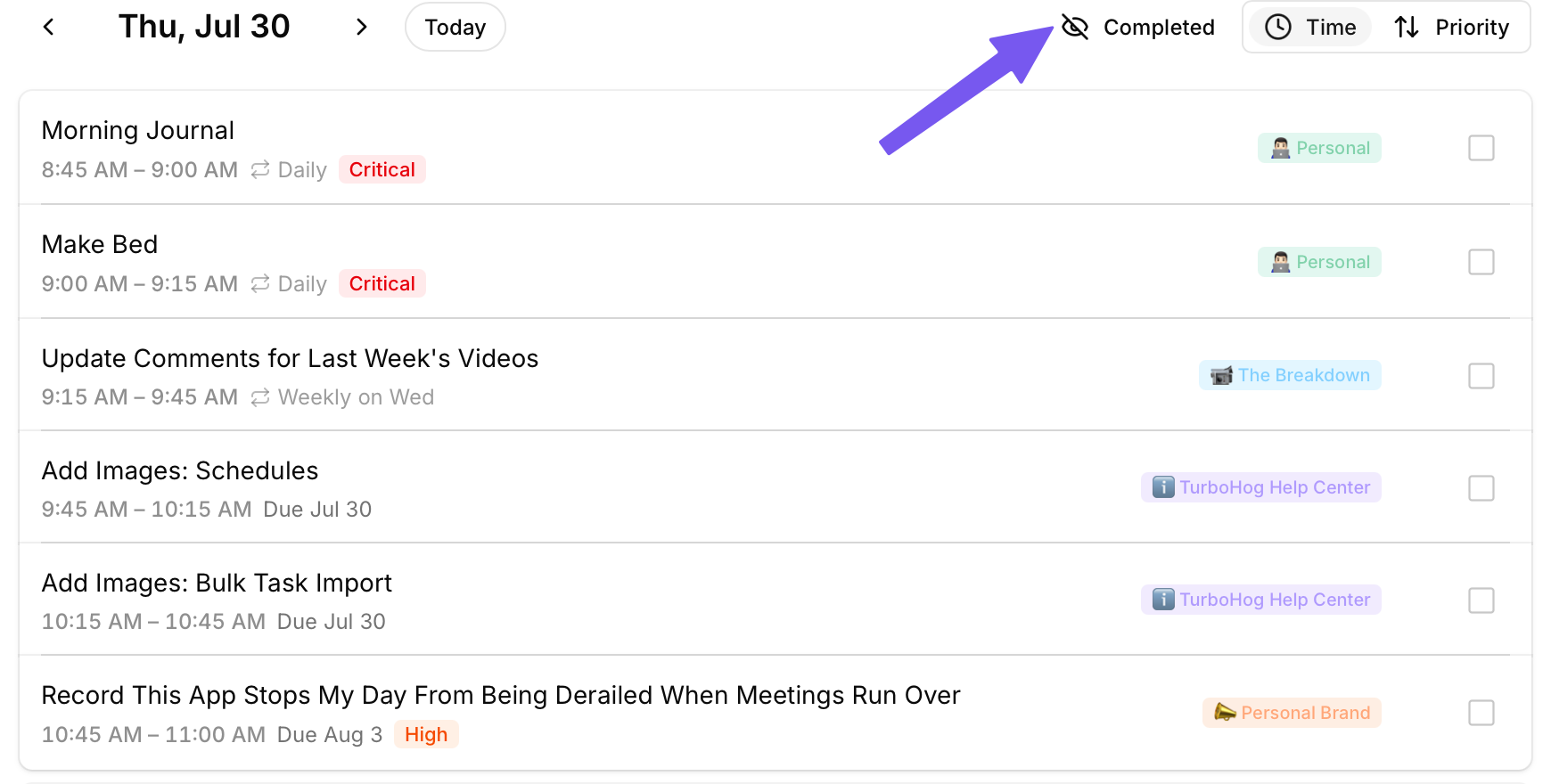
In the top left of the “Tasks” page, you can enable or disable completed tasks from showing. If you want to see all you’ve completed in a day, this is a great way to do it.