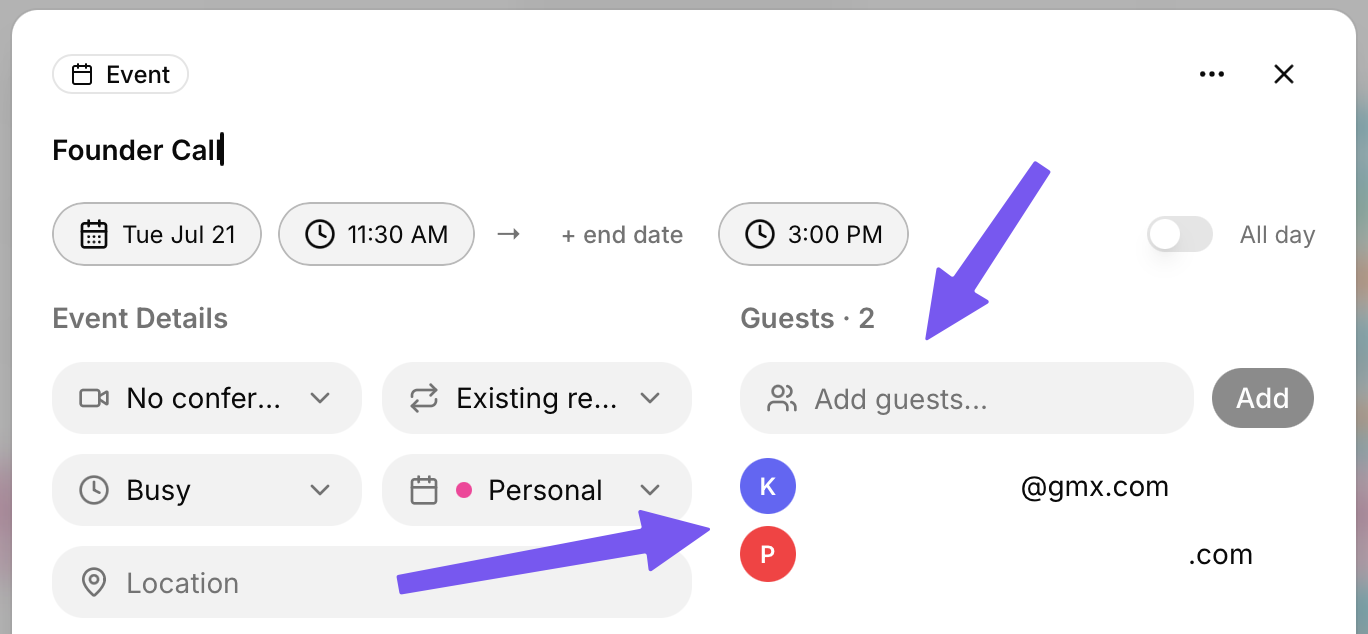
To invite guests to any event, create an event using the “+ Add” button in the top left. Then, select “Event”.
On the right-hand side of the event creation pop-up, you will see “Guests”.
Enter the email of any guests you want to invite here. You can add multiple guests at once. Anyone who is invited will get access to the event's details.
Once you create the event, anyone who is invited will receive an email asking them to confirm whether they will be attending the event.
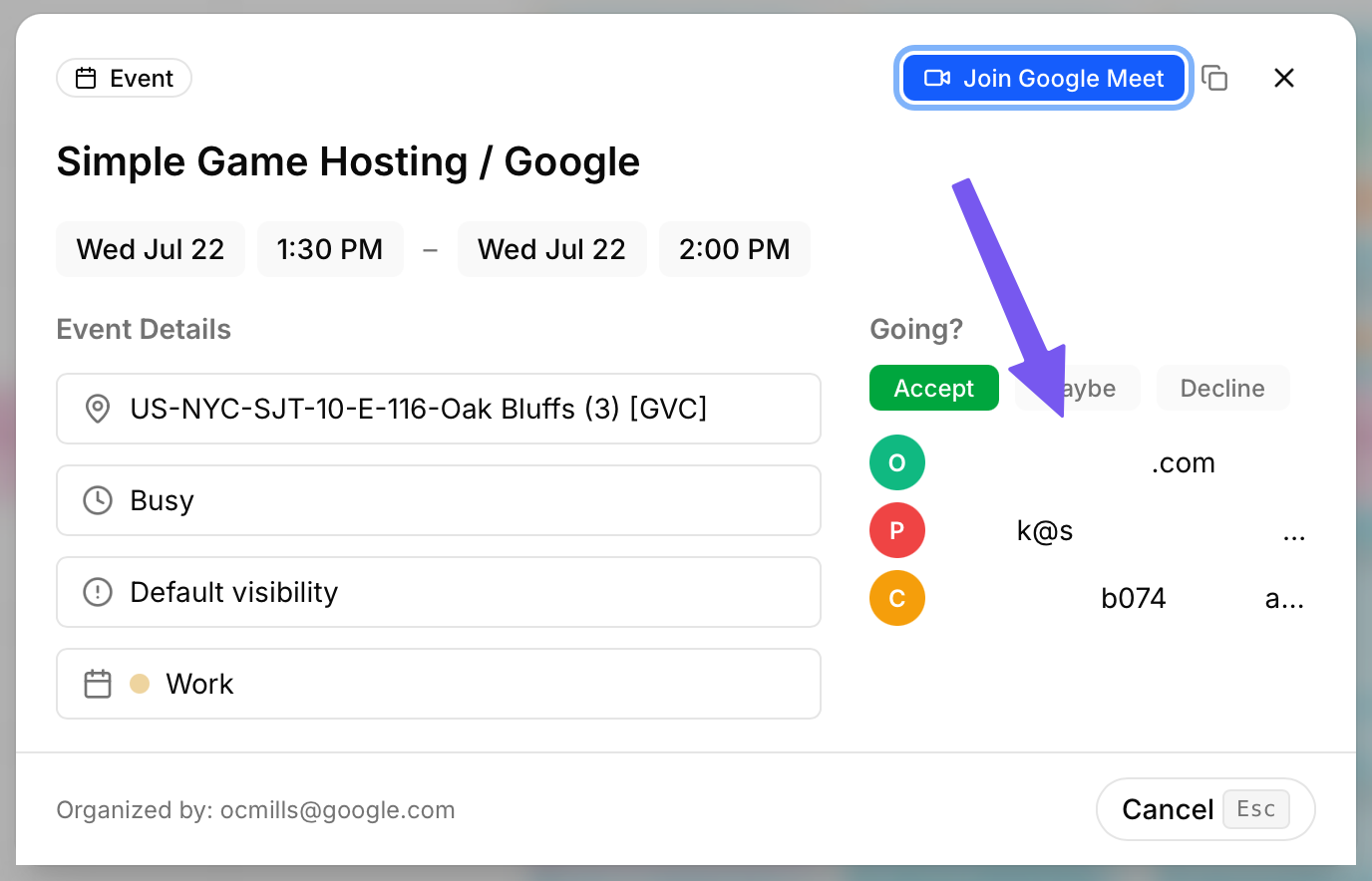
To view who is attending an event, click on it on your Calendar or Tasks page. In the “Guests” section, you will see all the emails that have been invited.
If you are the event owner, you can add someone to the event using their email. When the edited event is saved, an invite email will be sent to the added user.